Try-on and your own app
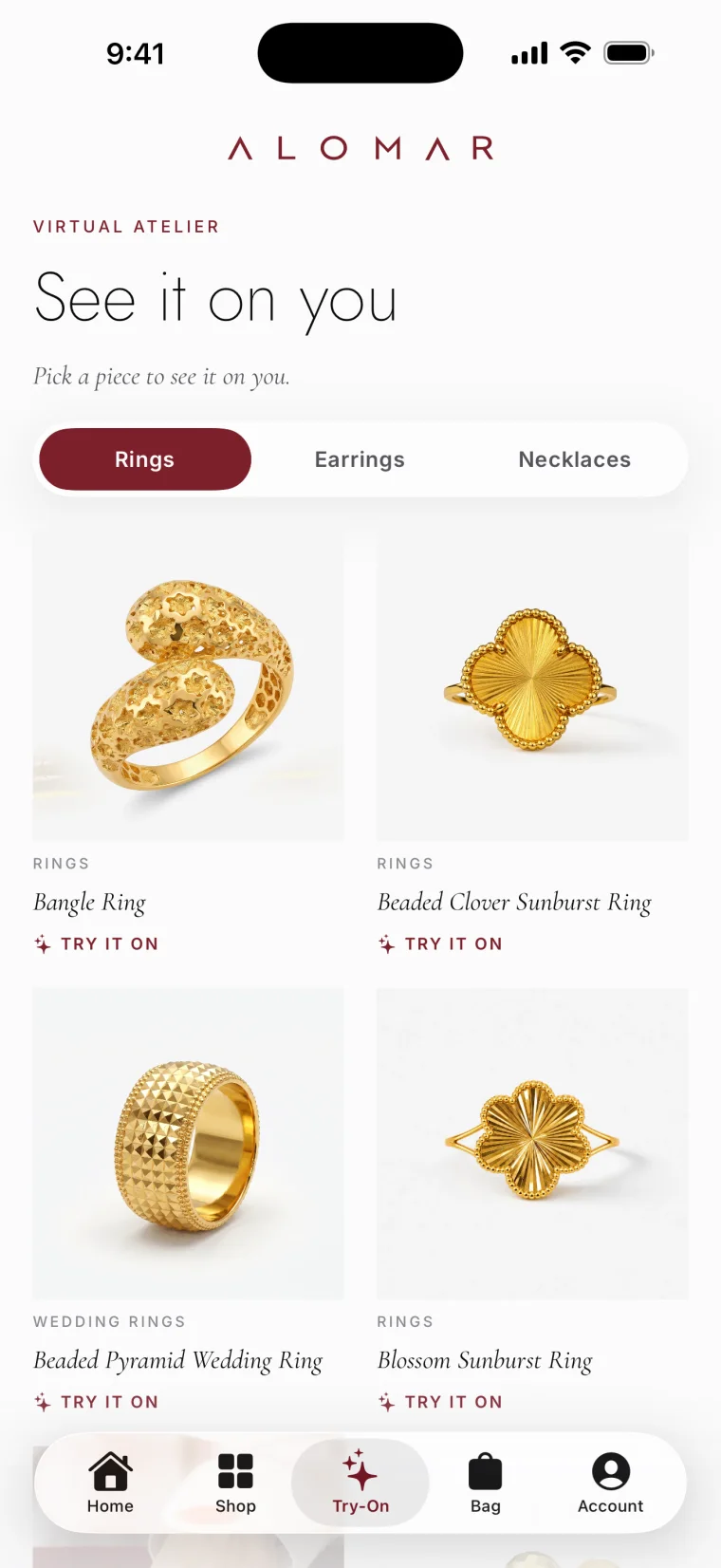
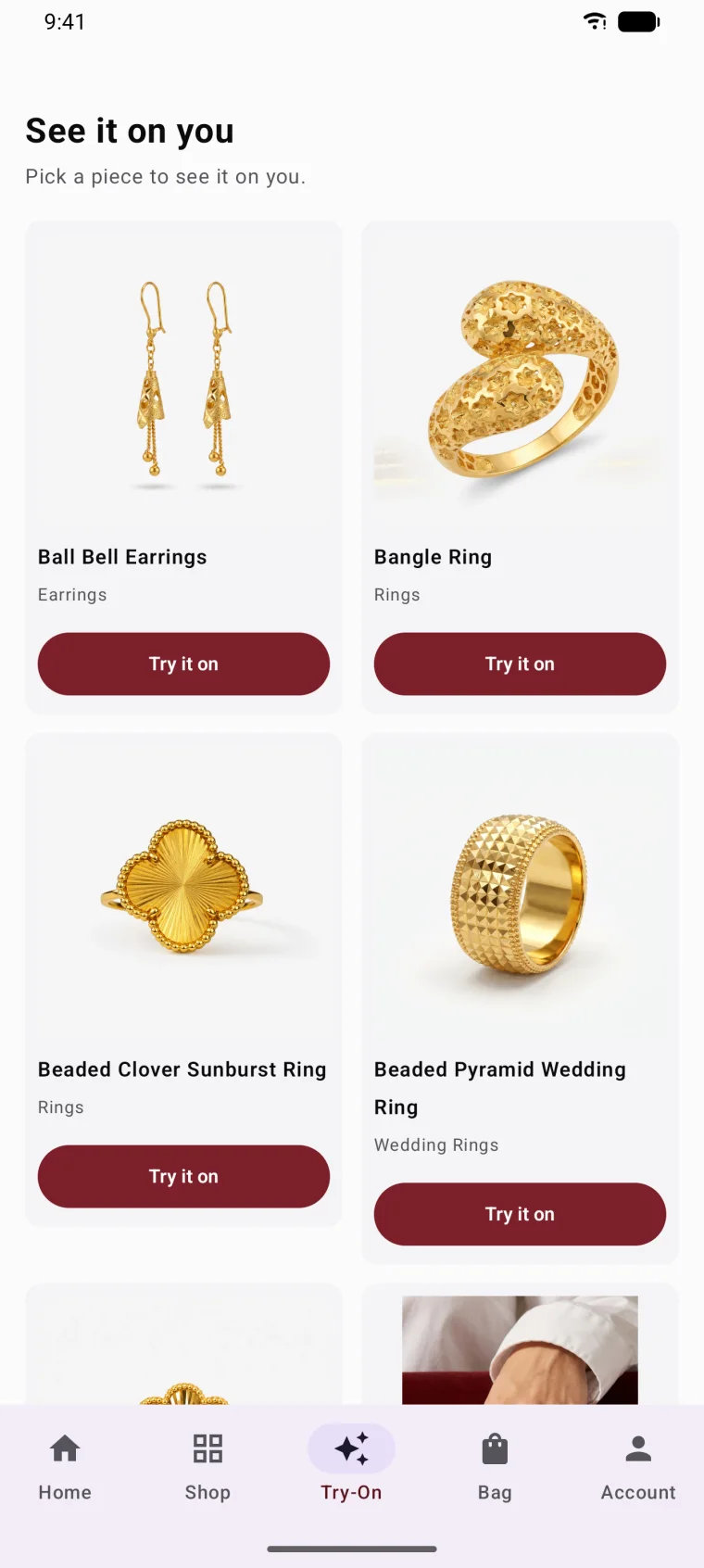
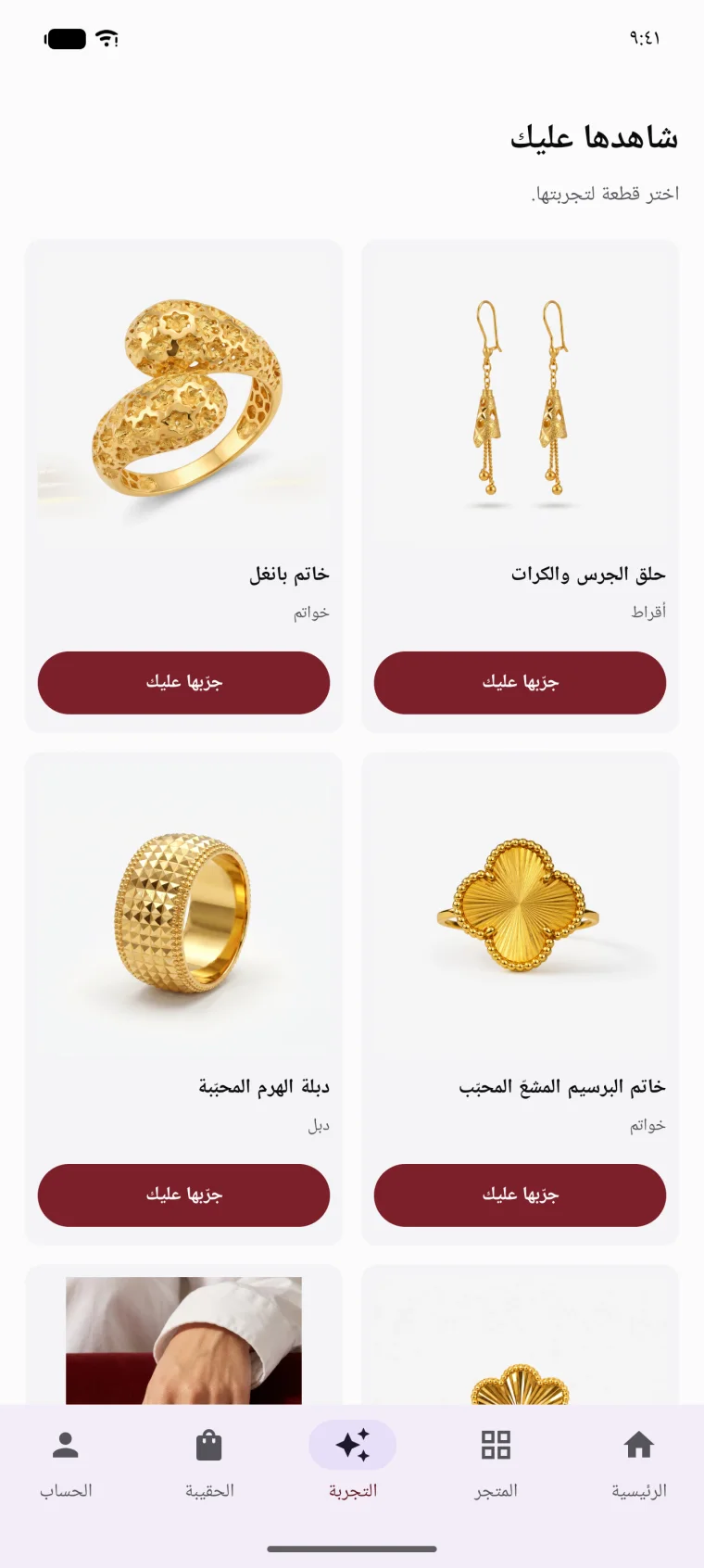
Customers try your pieces on with their phone camera, in your own app.
Try-on for rings, necklaces and earrings, built in-house, inside your shop's own iPhone and Android apps.
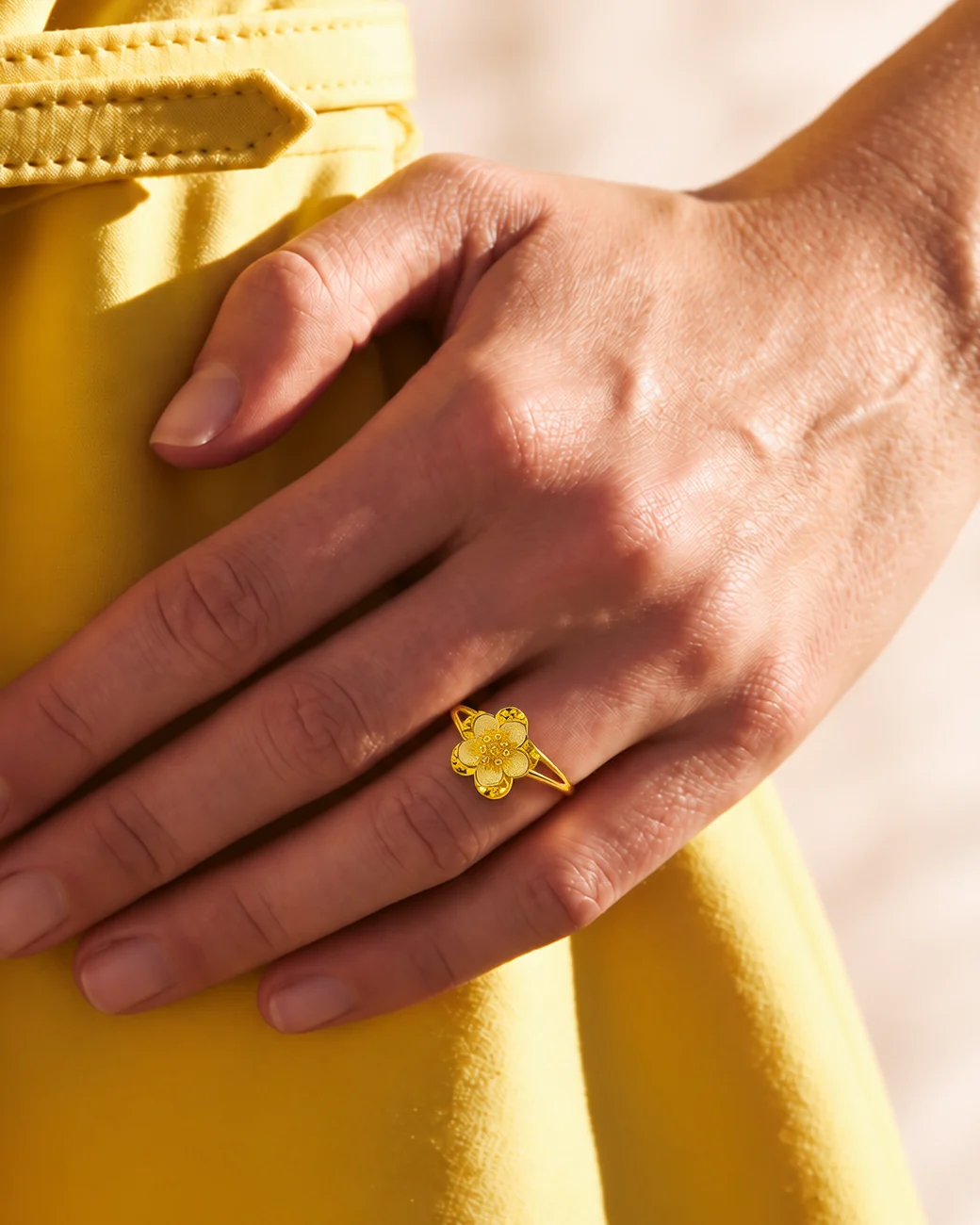
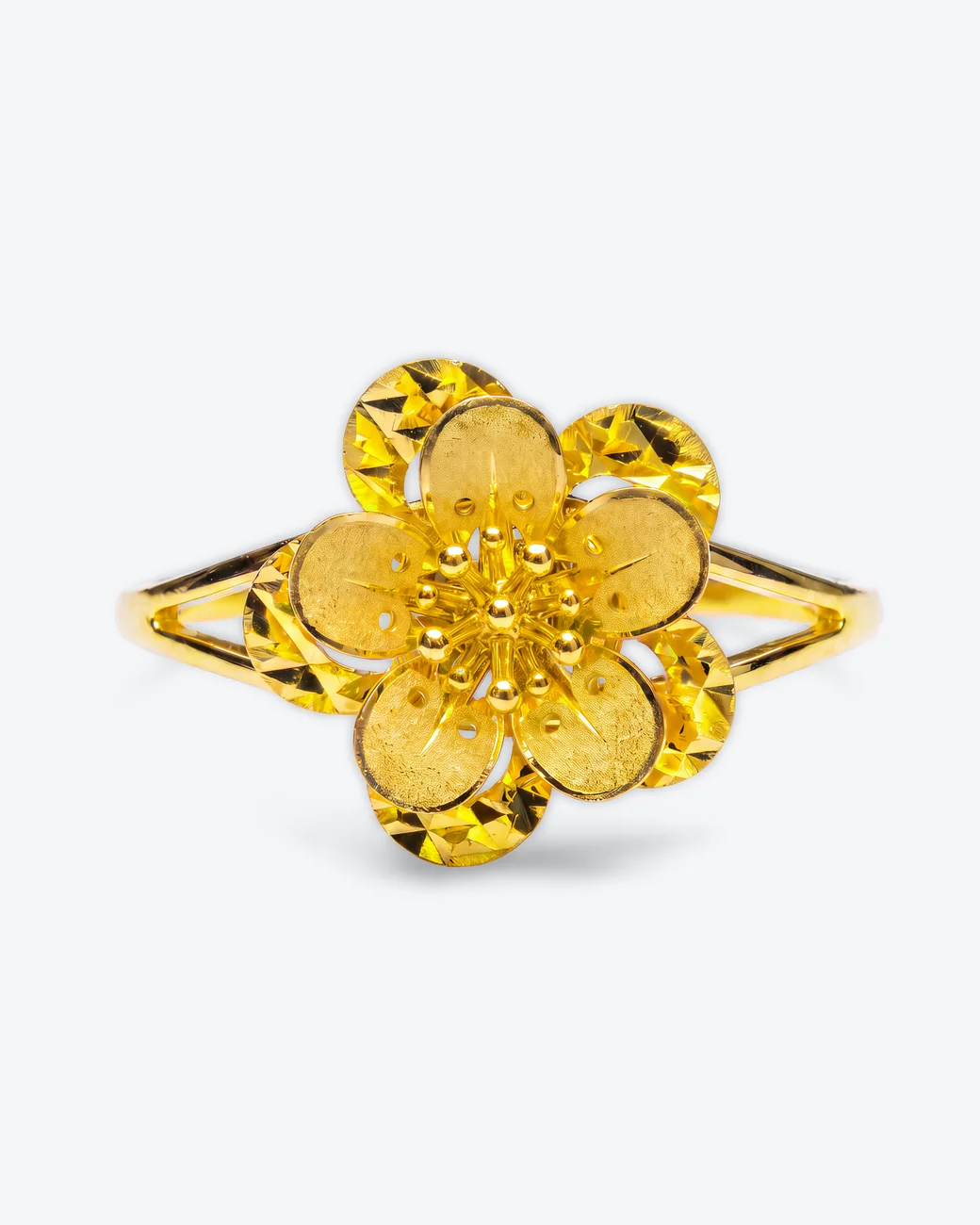
You get back a clean product photo, an on-model shot and a short recording of it being tried on.
See it running
These are the real apps. Drag through them.
The problem
A photo can't show a piece on your customer.
A customer sees a piece they like on your page.
They want to see it on their own hand, and a photo can't show that.
To try it on, they have to come to the shop.
If they can't come soon, the moment passes.
With no app of yours on their phone, the piece is easy to forget.
What you get
Your own iPhone and Android apps, with camera try-on inside.
-
2
apps, with your shop's name on them
iPhone and Android
-
2
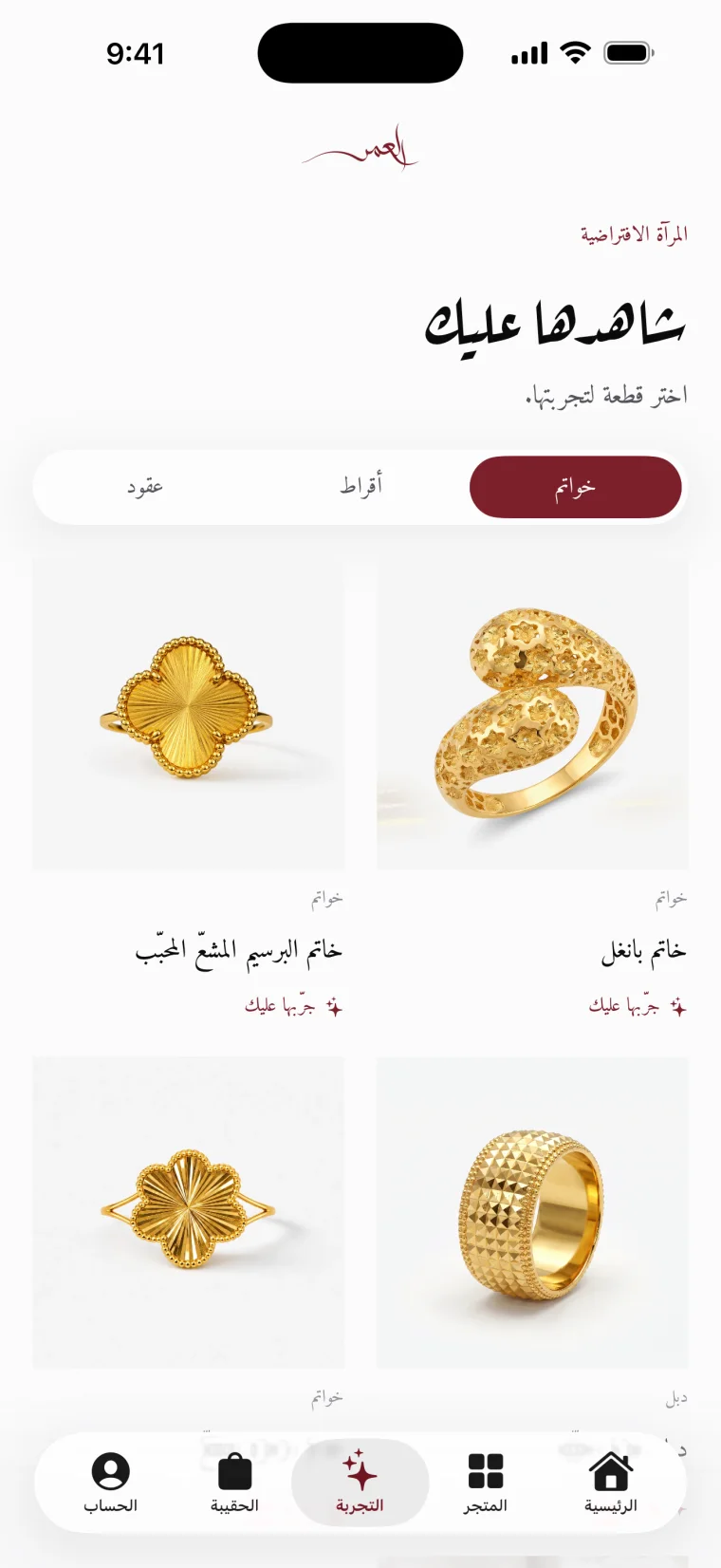
languages in each app
Arabic and English
-
3
kinds of piece on the camera
Rings, necklaces and earrings
-
12
things inside each app
- Shop
- Search
- Bag
- Checkout
- Wishlist
- Sign-in with a WhatsApp code
- Saved addresses
- Order history
- Invoices
- Repairs
- Notifications
- Membership card
Already have an app? Try-on can't go into someone else's app today. It runs inside the apps built for your shop.
How soon, and what you do
Rubikn starts building the day you say yes.
Every shop gets its own apps, made from one system. Your details make them yours.
You send 6 things. Rubikn builds the rest.
- Your shop's name
- Your logo
- Your colours
- Your WhatsApp number
- Your payment accounts
- Phone photos of your pieces
The first thing you see is your own piece.
You send one piece. You get back a clean product photo, an on-model shot and a short recording of it being tried on. That comes first, before you pay for anything.
What it connects to
Your app is one part of one system.
Pick the parts you need and add the rest later. They work together.
Where to check it
The apps are live on the App Store and Google Play.
The other parts
See the other parts on their own pages.
The back office
One system from the counter to the books.
See the back office →The online shop
A real online shop that sells on its own.
See the online shop →Instagram and WhatsApp replies
A "price?" message at night gets answered before the shop opens.
See the replies →Product photos
Your staff's phone photos become catalog photos, on-model shots and a live listing.
See product photos →Ads run for you
Instagram and Facebook ads, built and run for your shop.
See the ads →Your design system
Your shop gets its own design system, down to the price tag.
See your design system →
Send one piece. See it on camera.
Rubikn starts building the day you say yes.
P.S. You don't have to decide anything now. Send one piece and see it on camera.
- A clean product photo
- An on-model shot
- A short recording of it being tried on