Counter
Paid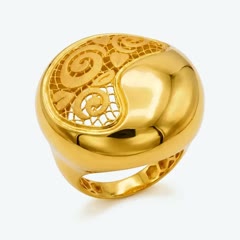
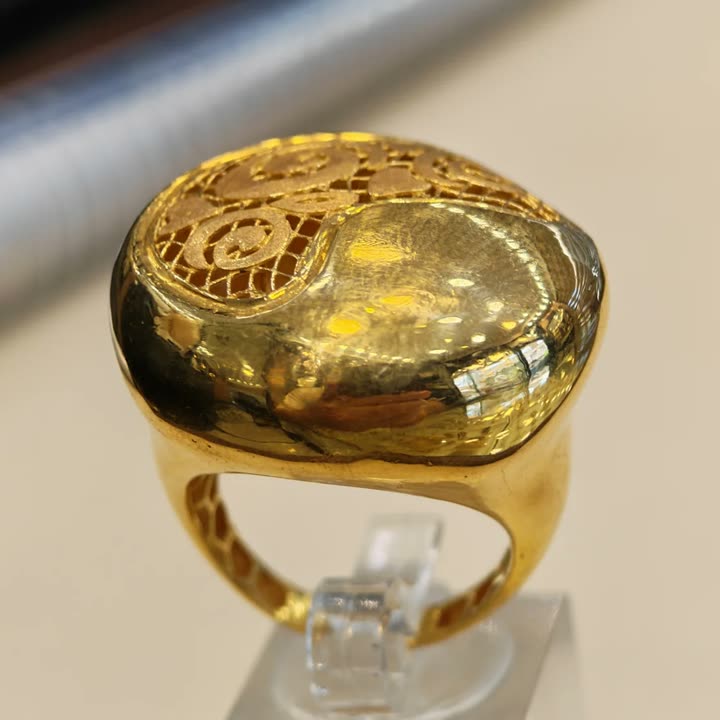
Dome ring21K · 10.74 g
- Customer
- Noor A.
- Paid by
- Cash
- Total
- 1,240.00
A facet of Brilliant CutFor jewellery shop owners
The counter, old gold, repairs, layaway, stock, accounting, payroll and a staff app, in one back office.
See one of your own pieces on camera, free.
Drag the sale
Sample recordsCounter
Paid
Dome ring21K · 10.74 g
Stock
Customer
Noor A.
Cash drawer
Books
BalancedSale INV-20418
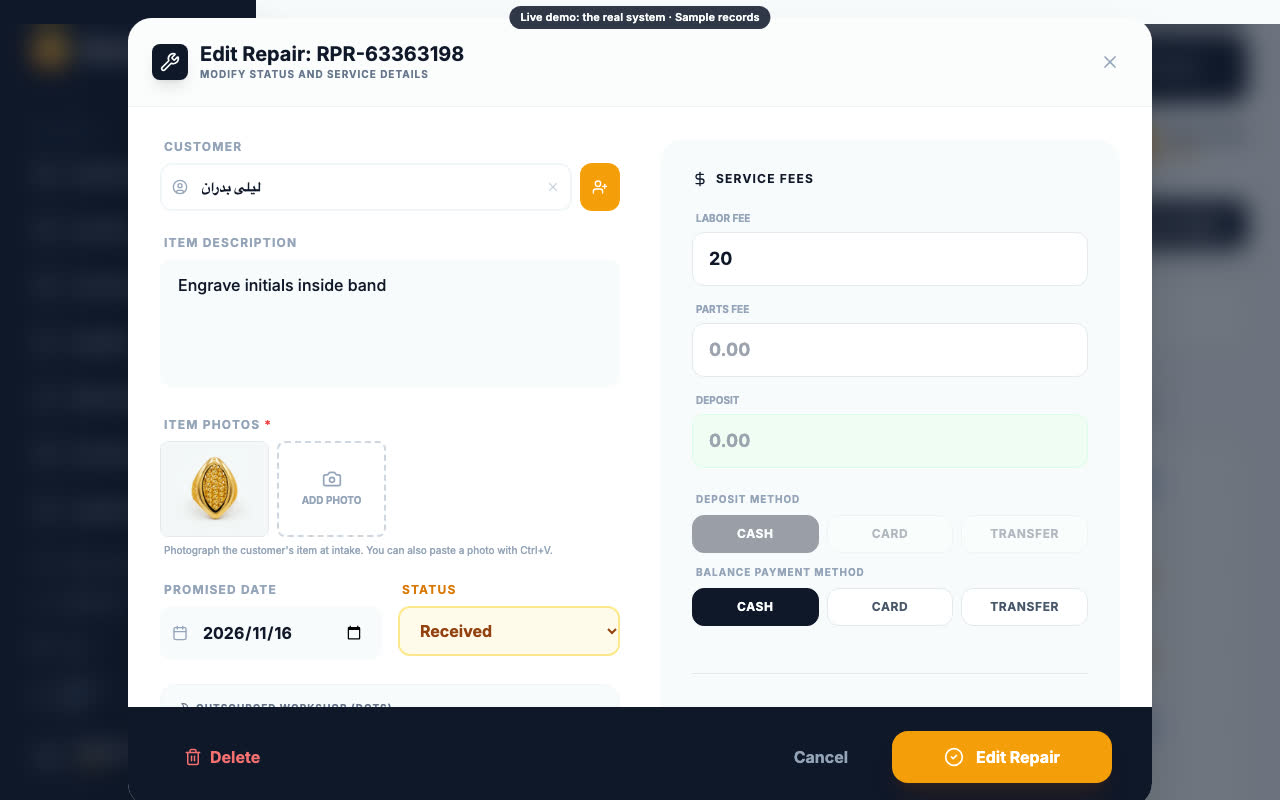
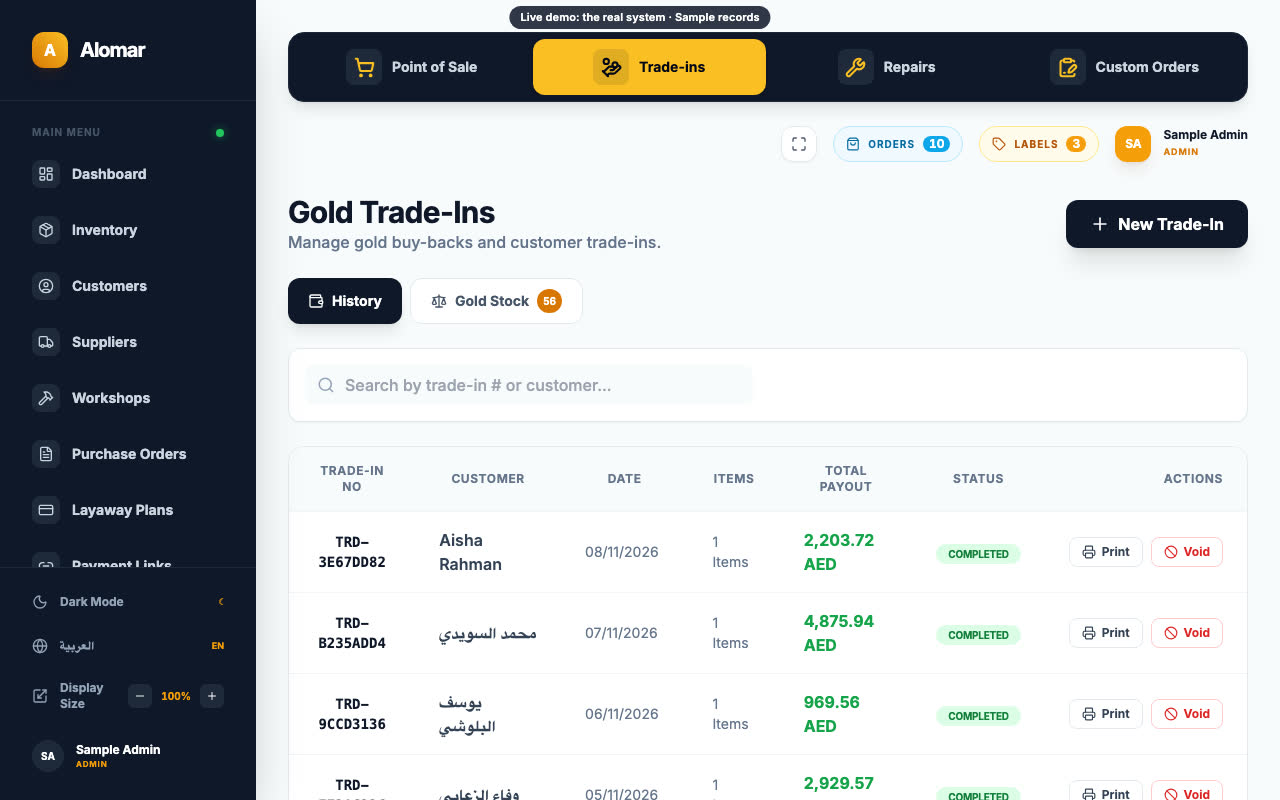
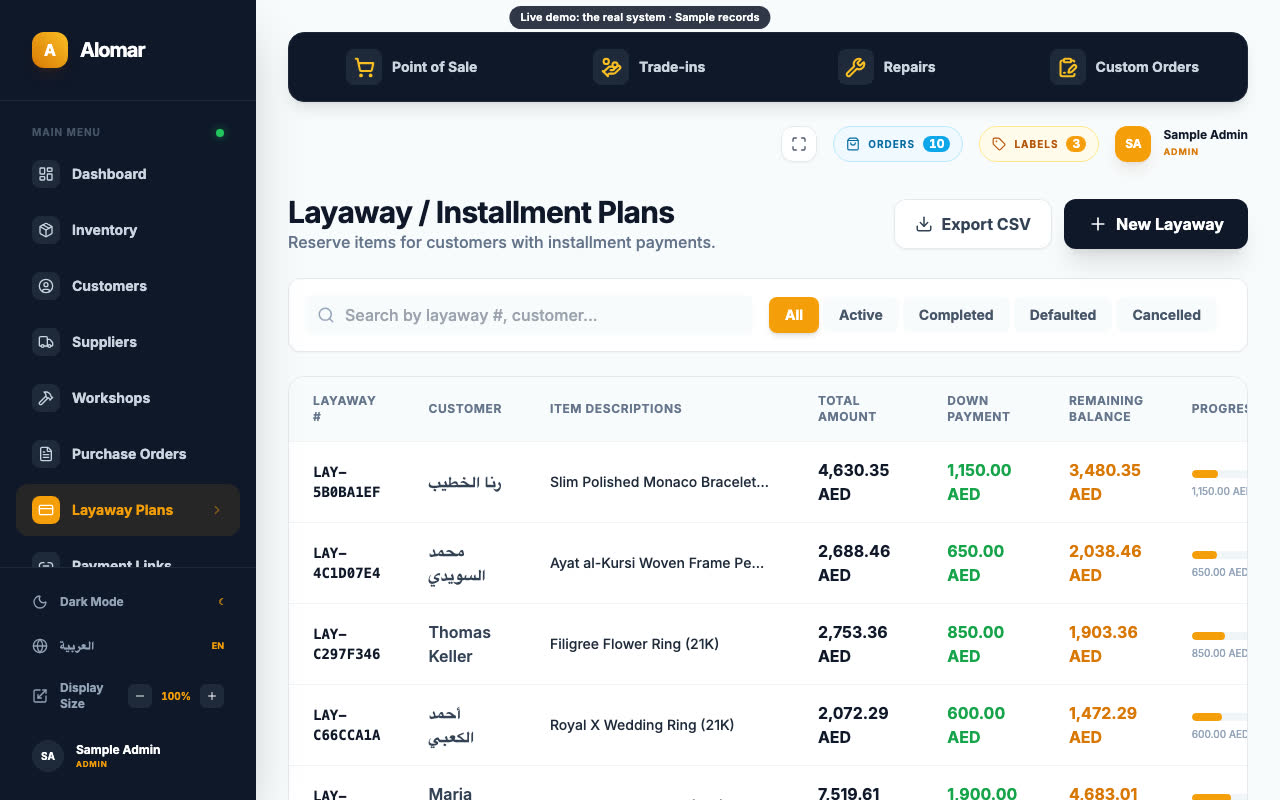
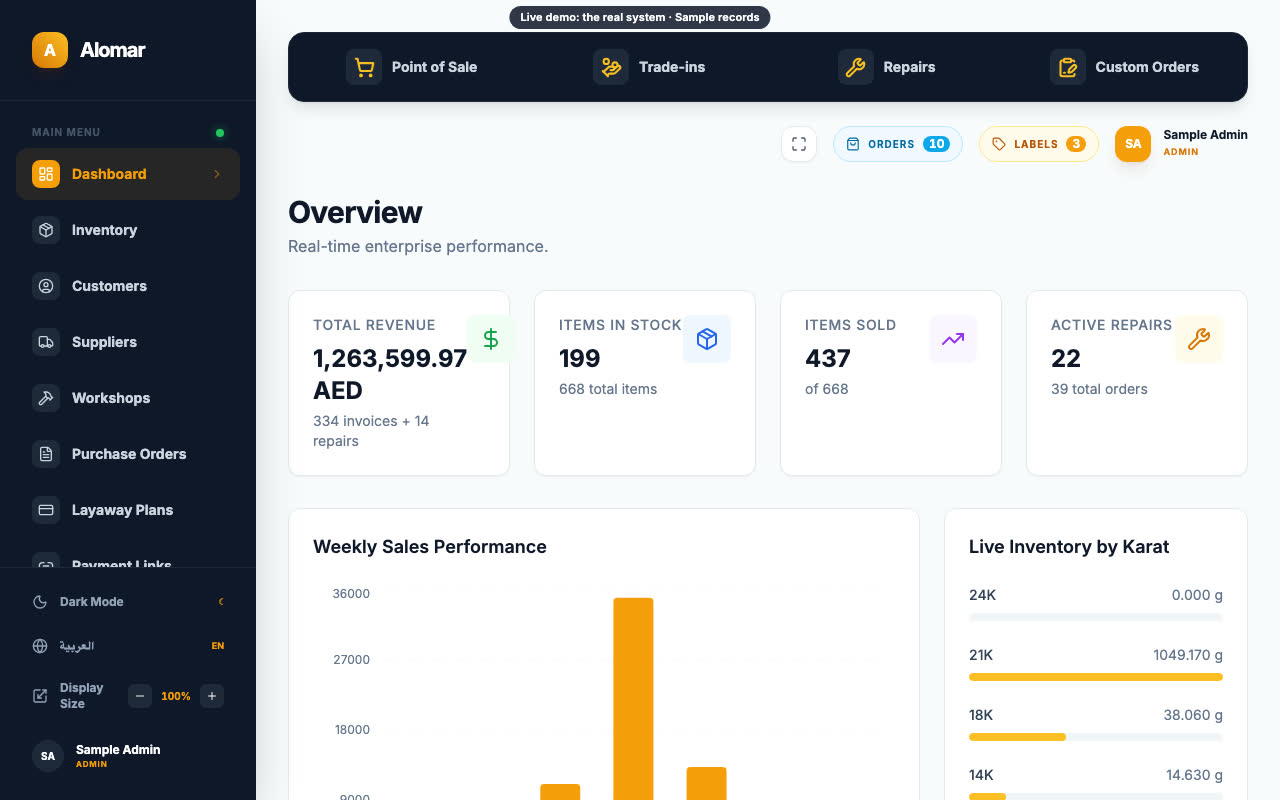
Ring up a sale, open a repair and take in old gold. It's the real system on sample records, and nothing you do is kept.
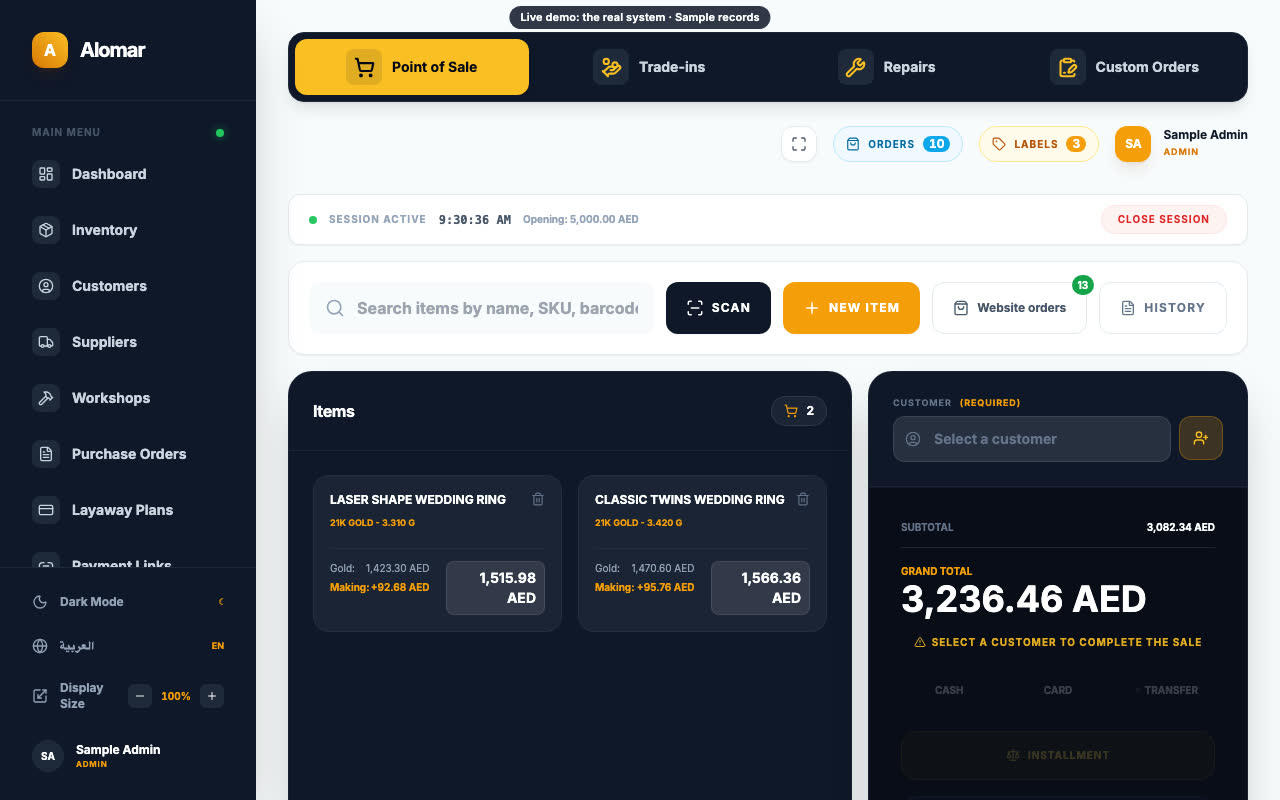
A piece sells. The sale is entered at the counter, then again in stock, then again in the accounts.
Old gold comes in. The weight and the amount sit on a slip until someone enters them.
A repair comes in. A week later, nobody can show what state it arrived in.
A layaway payment comes in. It goes in a notebook, away from the customer's record.
Cash, salaries and advances get added up by hand.
Tap a number to see what's inside it.
Hover or tap a module to see what it does.
Sales, P&L, margin, gold, inventory, cashier, repairs and tax, all from the same records.
Each person sees only the screens their role needs.
A private Android app. Drafts are stored encrypted offline. Sign-in uses a fingerprint plus an authenticator code, and lost devices can be blocked.
At the counter, on one screen.
Full Arabic and English. Invoices with a QR code, and amounts written in Arabic words.
Hover or tap a module to see what it does.
Every shop gets its own copy of the system. Your details make it yours.
فقط ألف ومئتان وأربعون لا غير
How soon
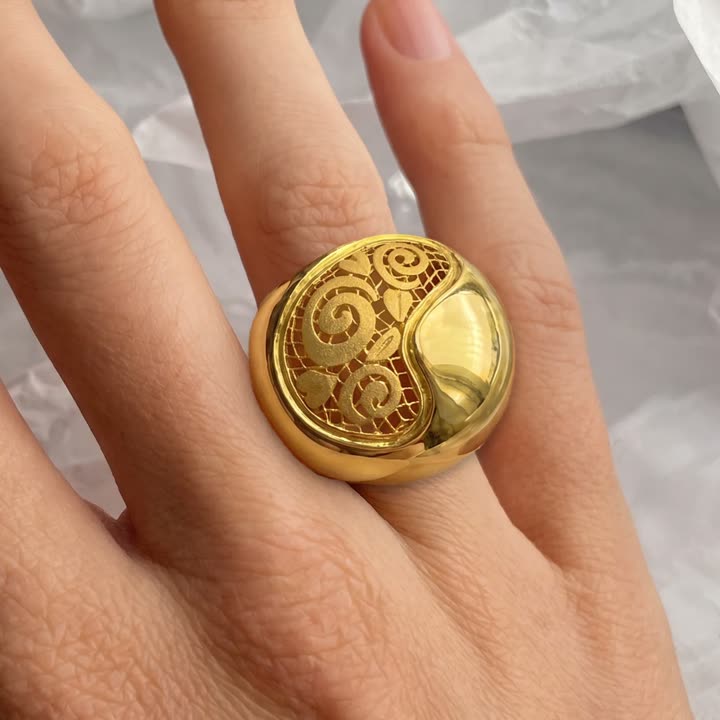
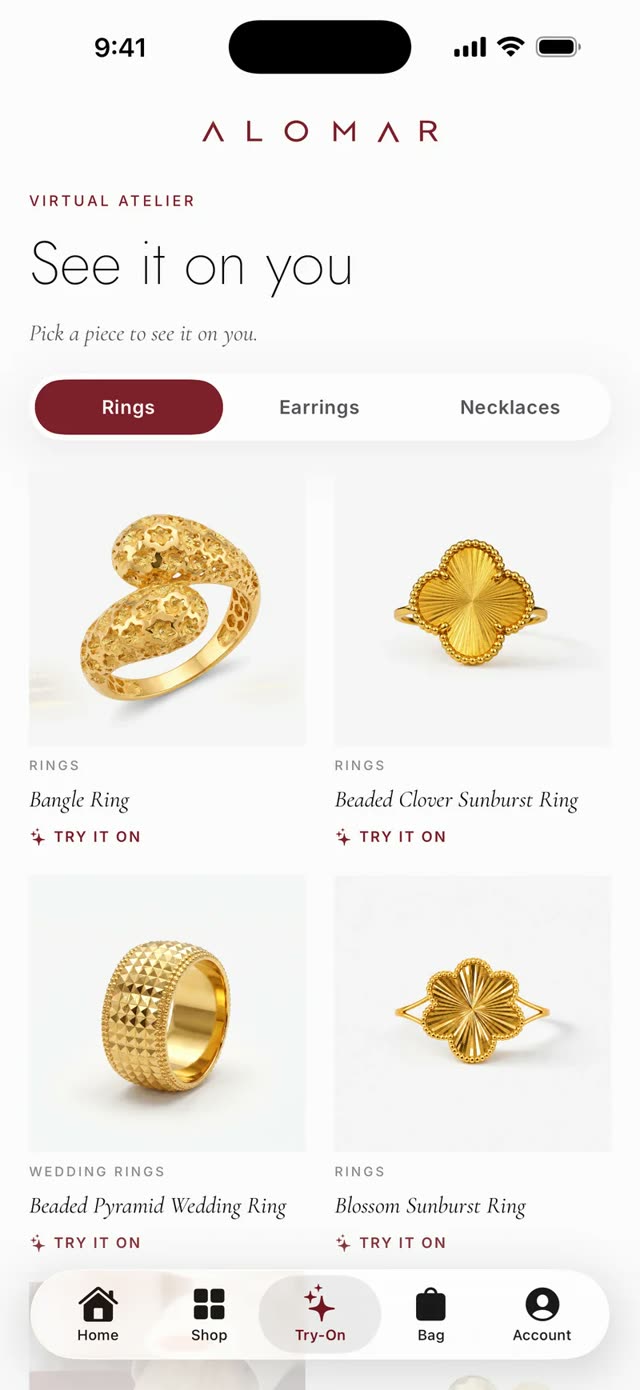
Before that, the first thing you see is your own piece. You send one piece and get back a clean product photo, an on-model shot and a short recording of it being tried on, before you pay for anything.
Pick the parts you need and add the rest later. They work together.
See the whole system
Dome ring
In stockSold at the counter
Sell this ring at the counter
The piece leaves the website.
The same pieces, on iPhone and Android.
Answers come from the live catalog.
The product catalog stays in step with the shop.

The other parts
A real online shop that sells on its own.
See the online shop →Customers try your pieces on with their phone camera, in your own app.
See try-on and your app →A "price?" message at night gets answered before the shop opens.
See the replies →Your staff's phone photos become catalog photos, on-model shots and a live listing.
See product photos →Instagram and Facebook ads, built and run for your shop.
See the ads →Your shop gets its own design system, down to the price tag.
See your design system →Send one piece and see it on camera, before you decide anything about the back office.

Rubikn starts building the day you say yes.
P.S. You don't have to decide anything now. Send one piece and see it on camera.